Contact us

Platforms

Web tools that open in your browser, with nothing to install. One runs websites for equestrian businesses; the others help you plan a trip, design a brick build or find a new hobby.

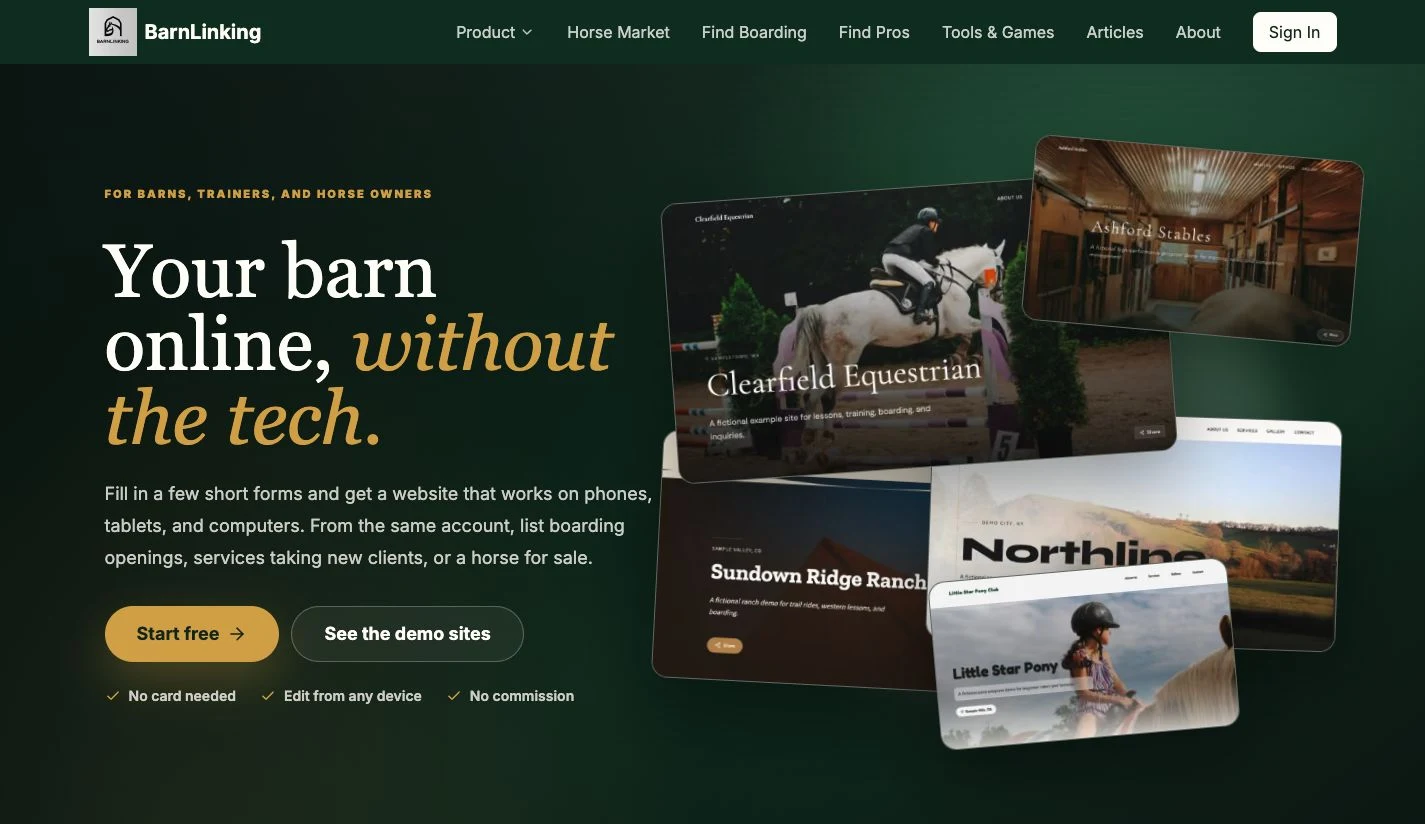
BarnLinking desktop homepage showing several floating website template previews. Your website, with a theme that fits your barn.

BarnLinking

Websites and listings for equestrian businesses.

Give your barn, training program or riding school a website you can keep current yourself. Share your horses, boarding openings and services, with direct contact for riders.

Start free. Pro adds your own domain and more website features.

Open BarnLinking
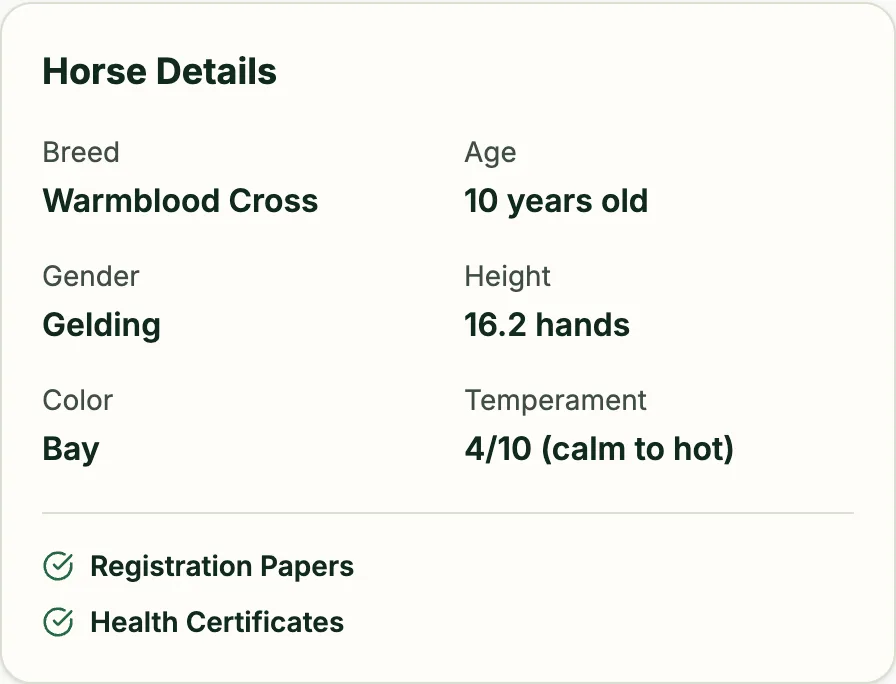
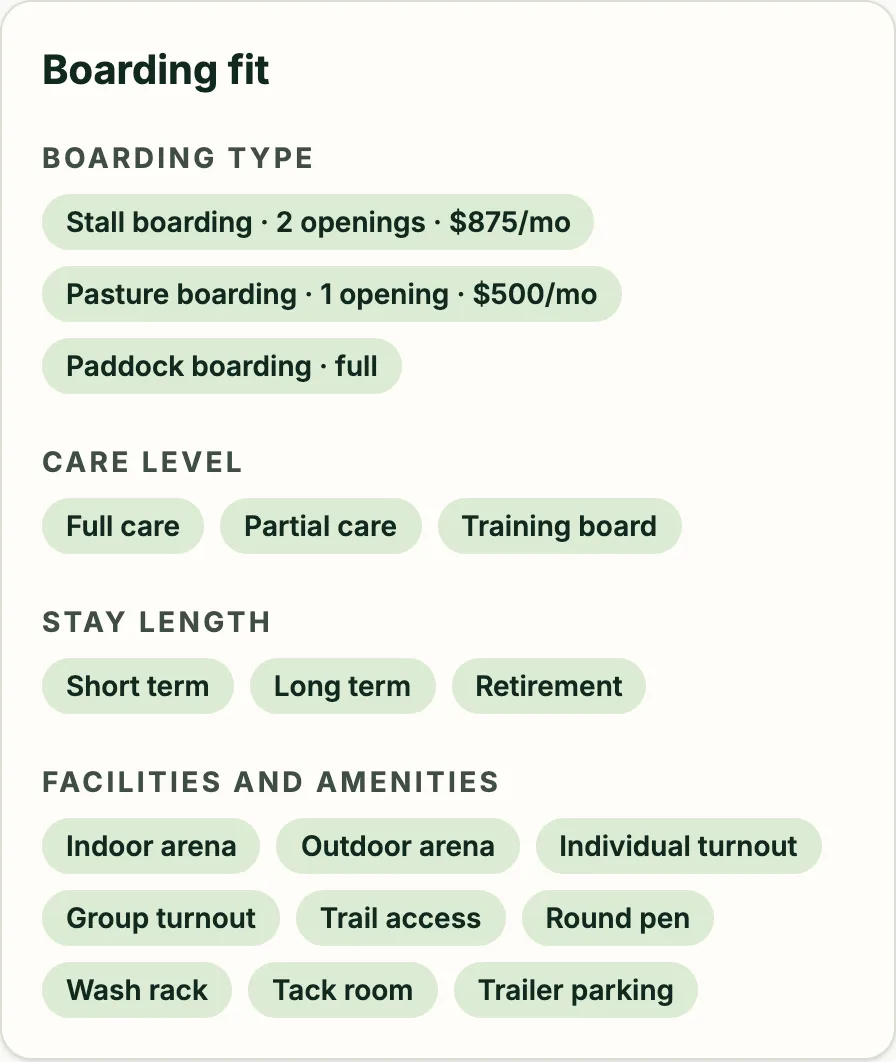
The real website editor, shown with a fictional demo barn.
  1. Start with a guided form, choose a theme and preview it with your own content. Add your photos, services and contact details, then publish on a free barnlinking.com address.

    • Update your website from your phone
    • Try a theme before applying it
    • Use your own domain and more website sections with Pro

Horse, boarding and service listings are on the free plan. No commission.
WhenWander

Find where to travel, and when.

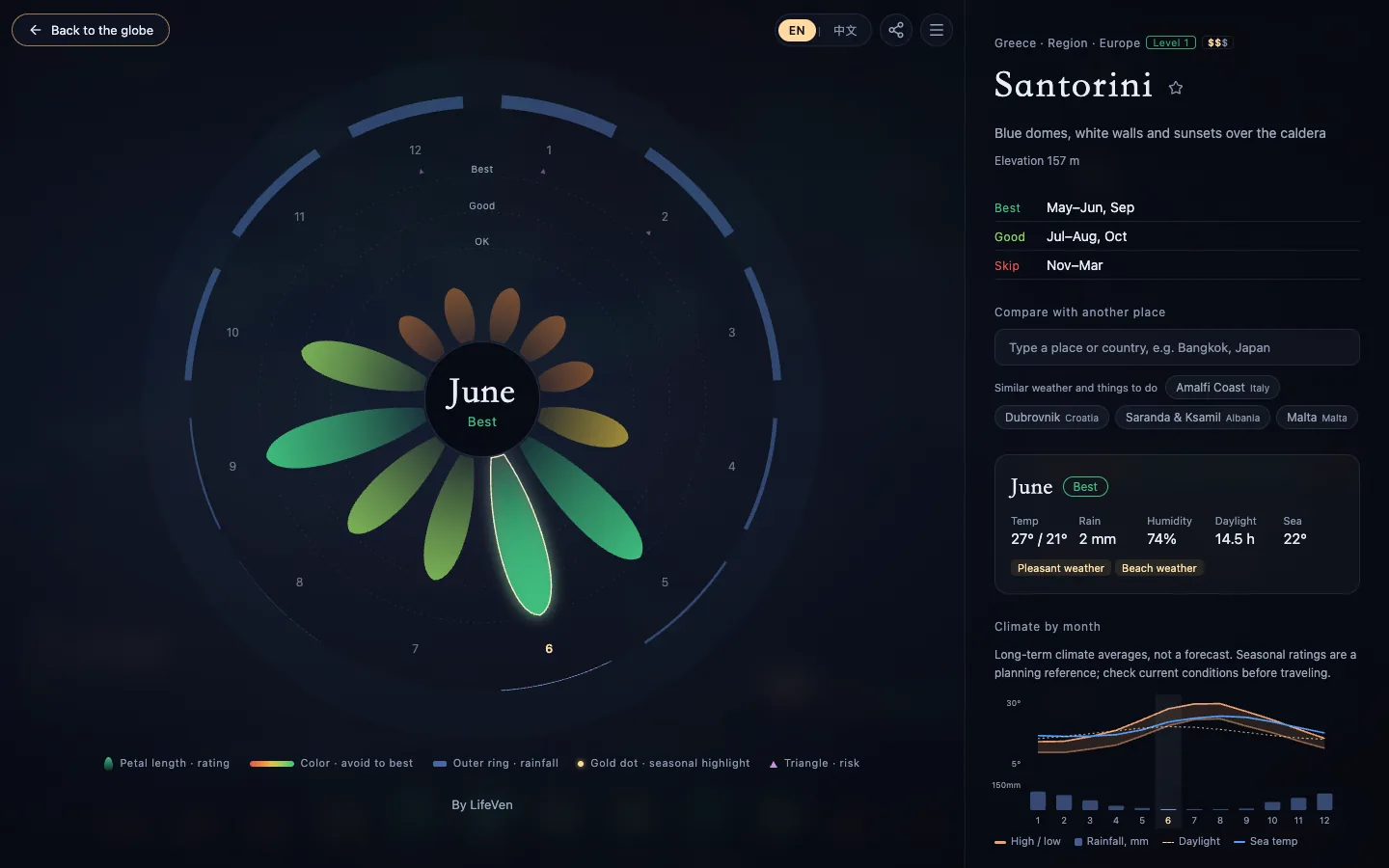
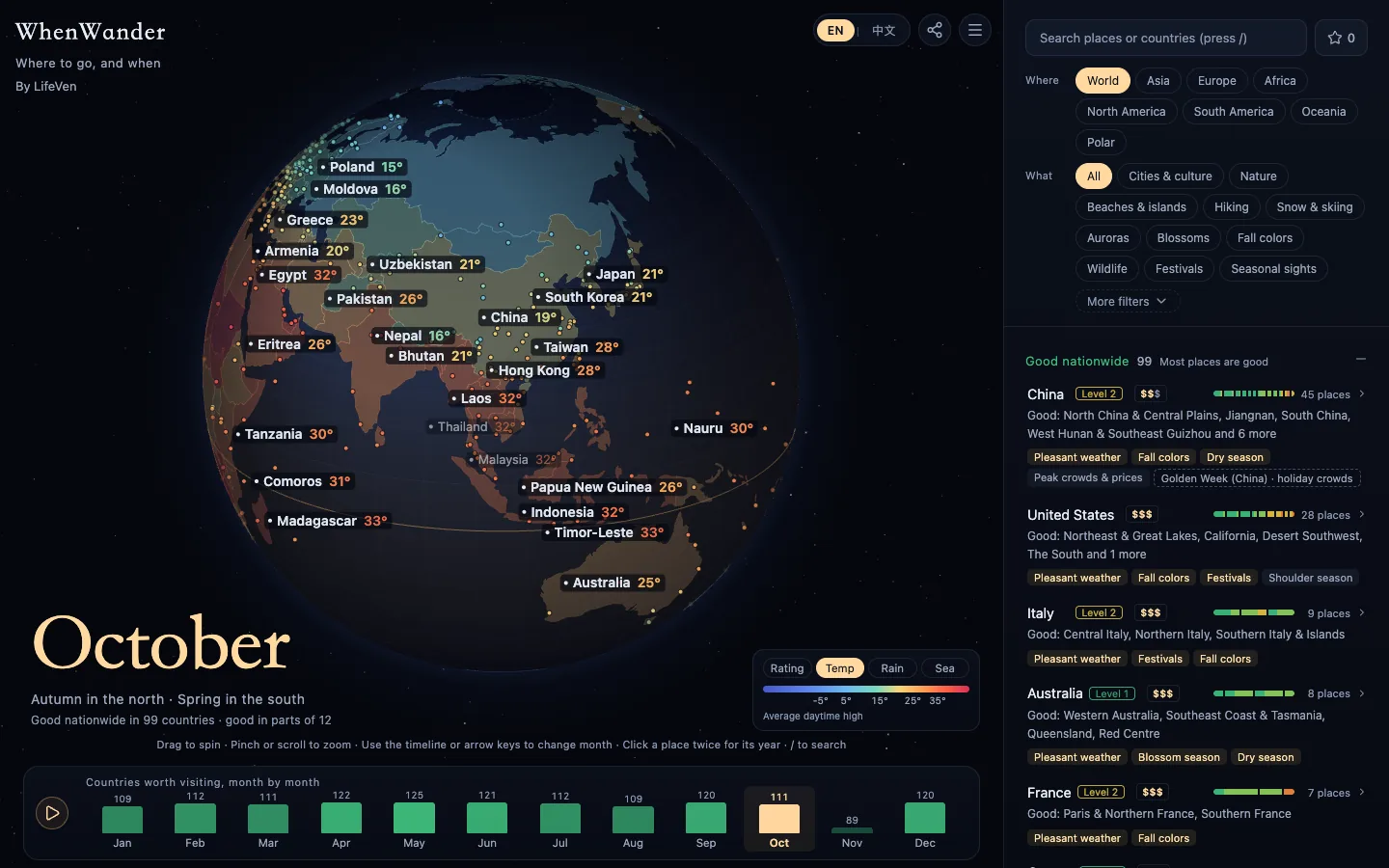
Pick a month and explore destinations around the world. Narrow your search by region and the kind of trip you want, then compare the seasons before saving your shortlist.

Free to use, in English and Chinese.

Open WhenWander
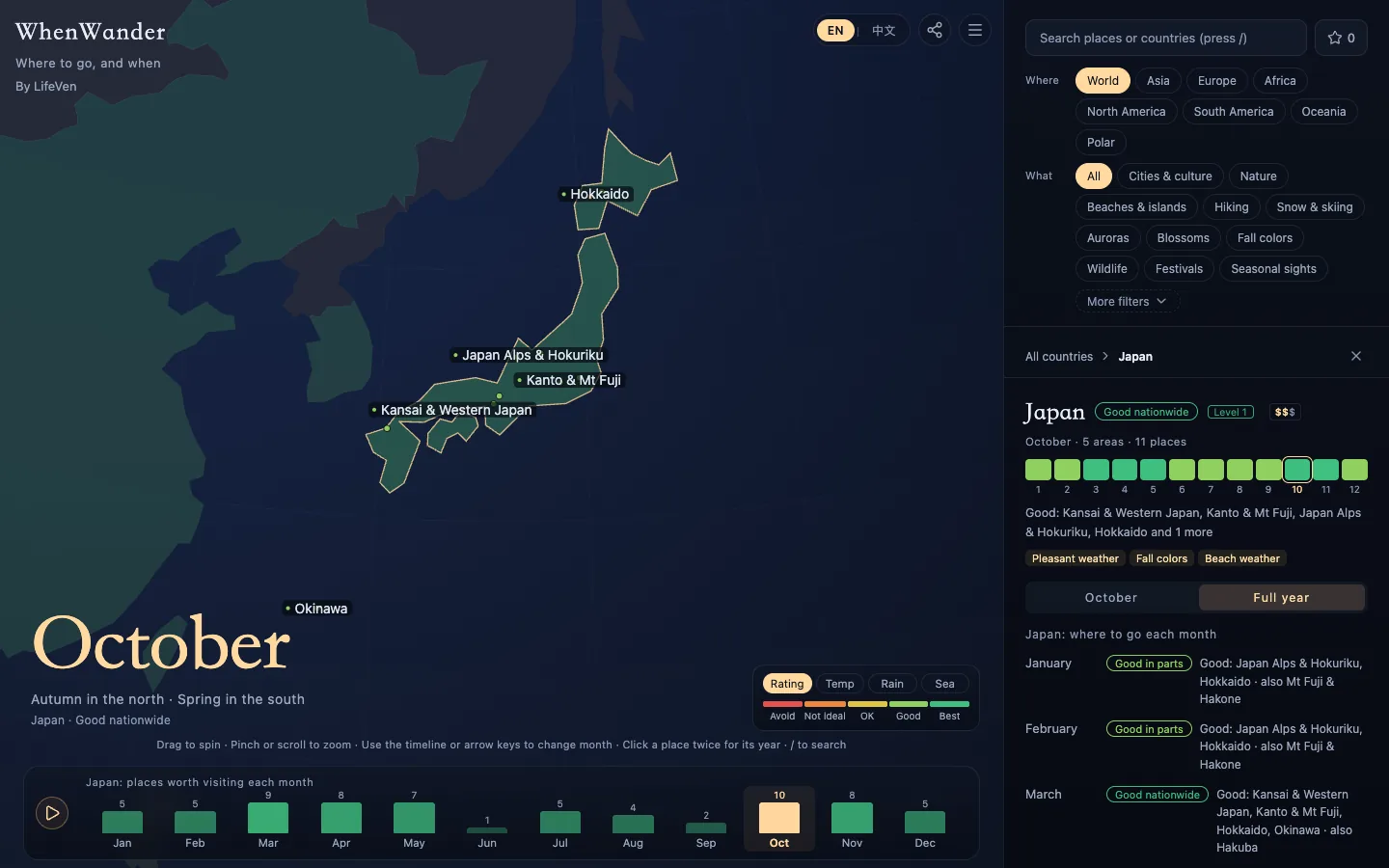
The globe’s temperature layer with climate colors and legend
The temperature layer in October.
  1. Switch the globe between seasonal ratings, temperature, rainfall and sea temperature. Filter destinations by region or travel interests, from city trips to hiking and beaches.

    • Start with a month or a destination
    • Explore countries, regions and individual places
    • Save your shortlist and share a link

Climate figures are long-term averages for planning. Check current conditions before you travel; sources and limits are on the tool’s About page.

MOCsmith

Turn a model into your next brick build.

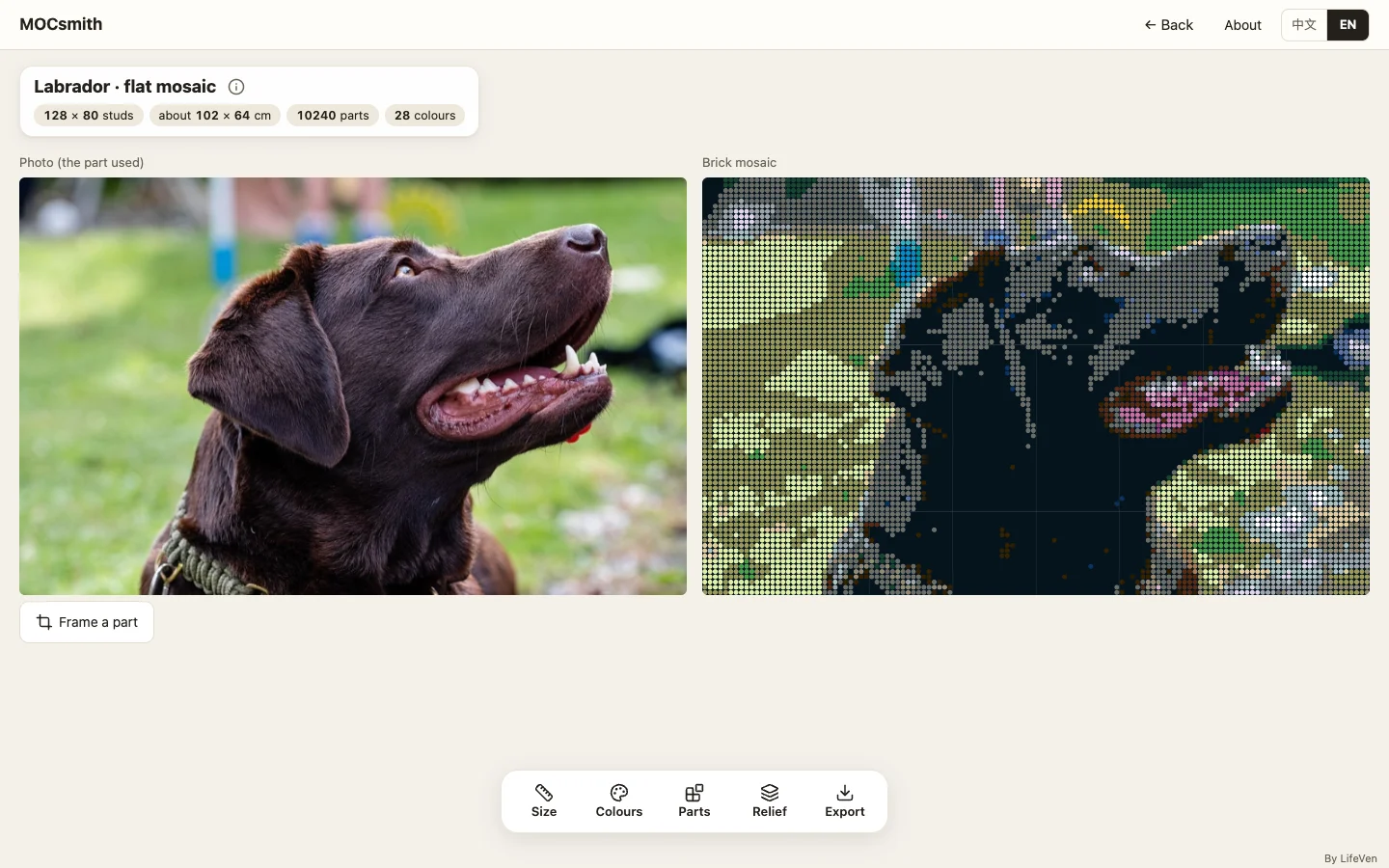
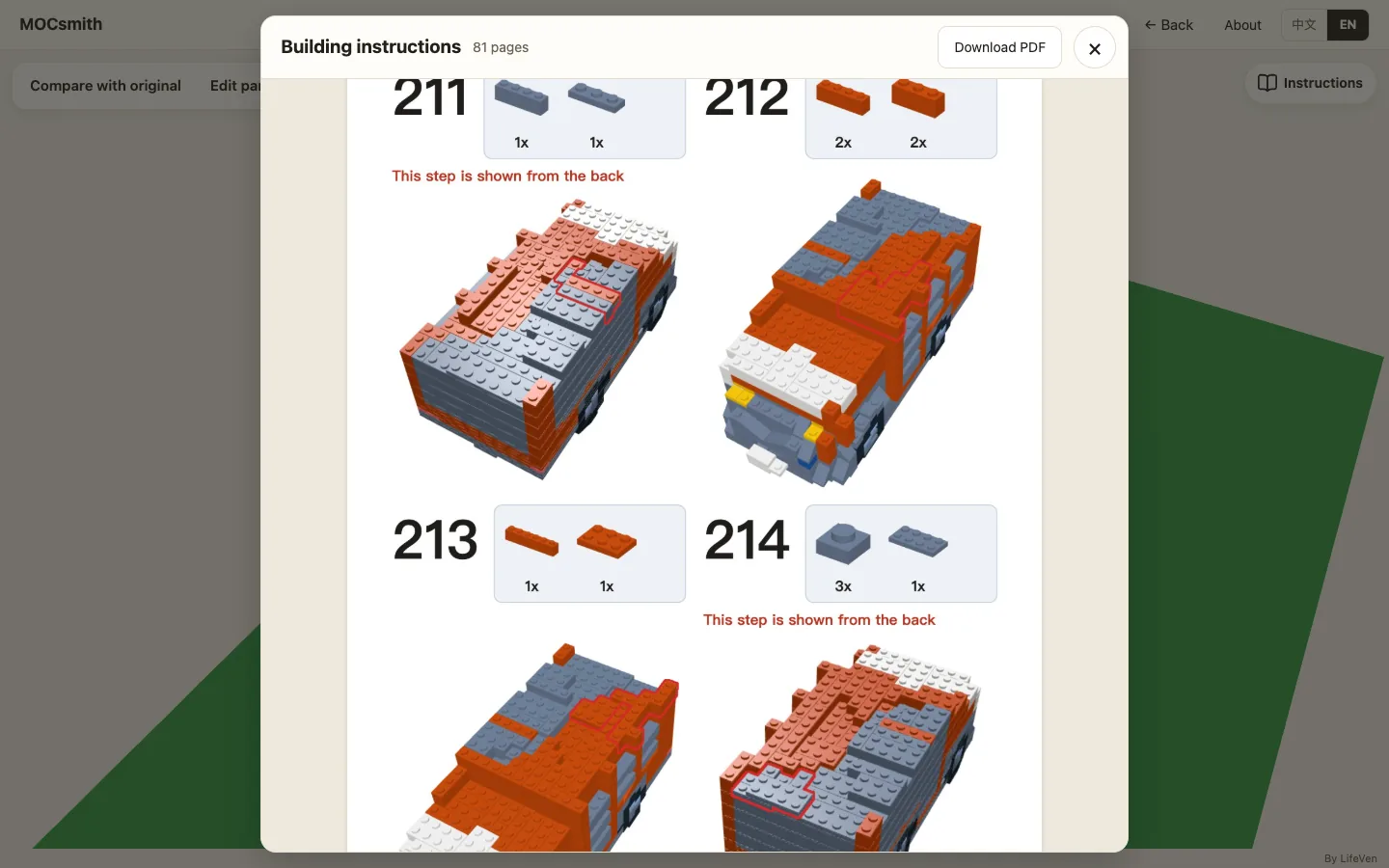
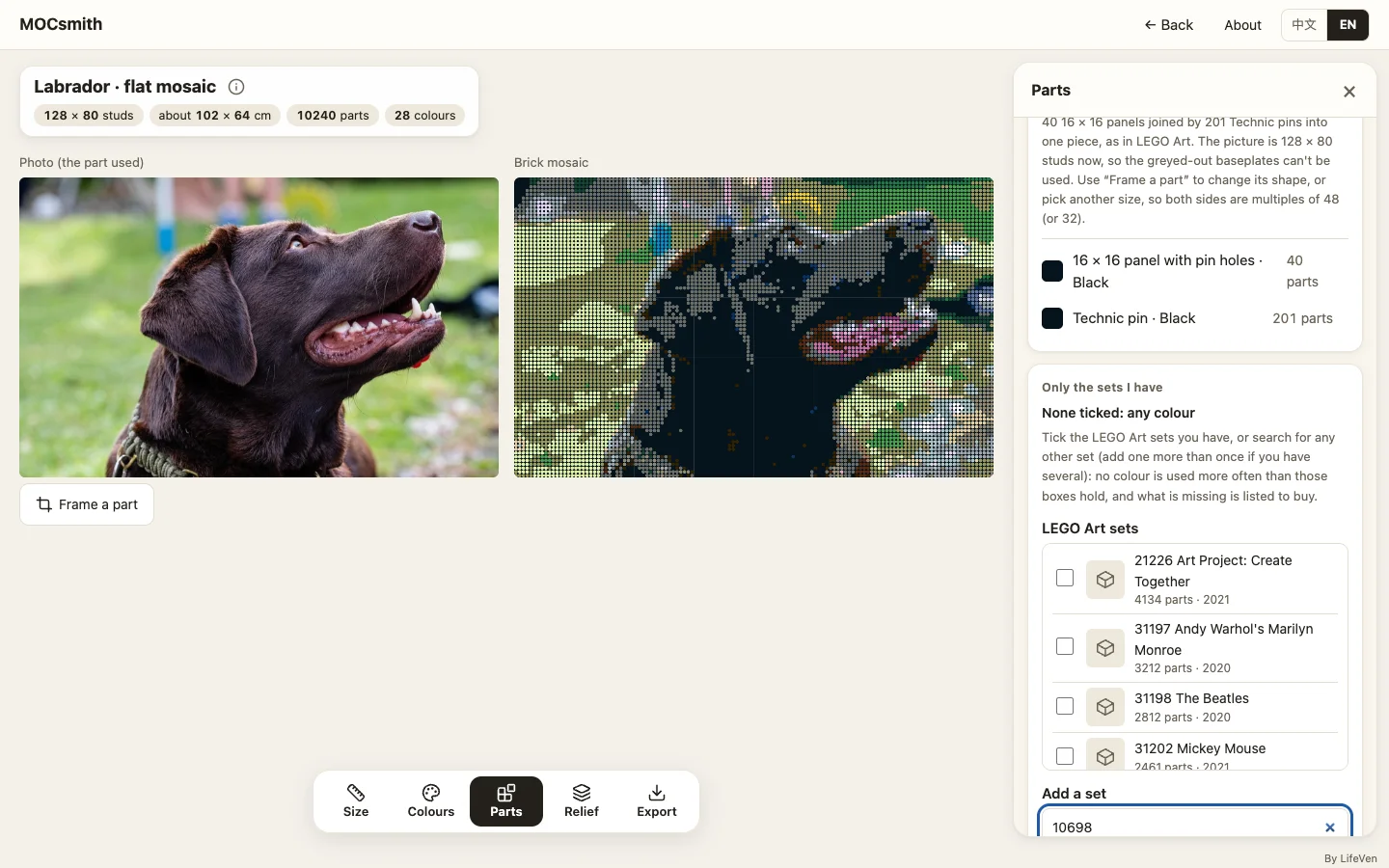
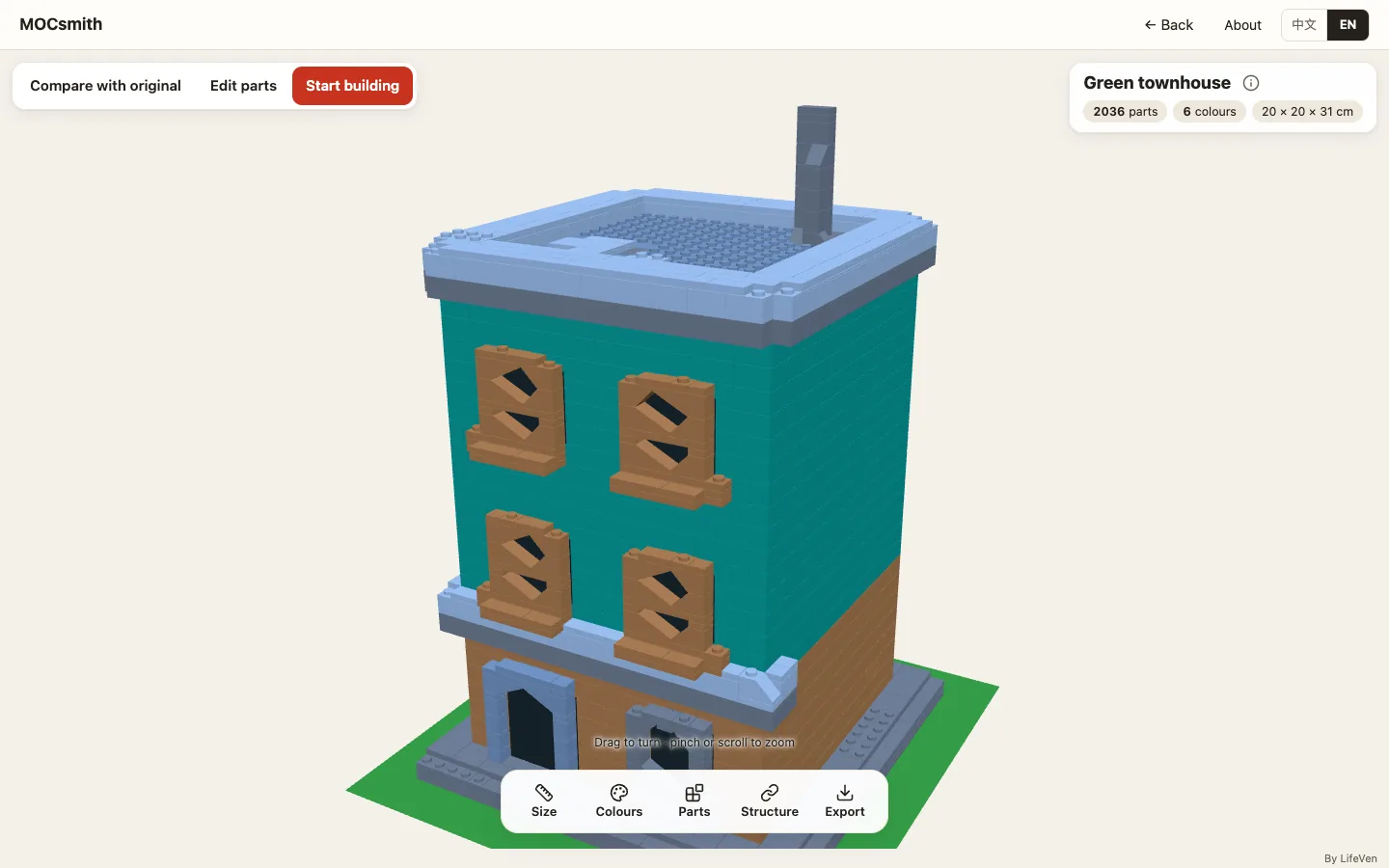
Open a 3D model, refine the parts and colors, then follow the generated building steps. Export a PDF instruction book, or turn a photo into a brick mosaic.

Free to use, in English and Chinese.

Open MOCsmith
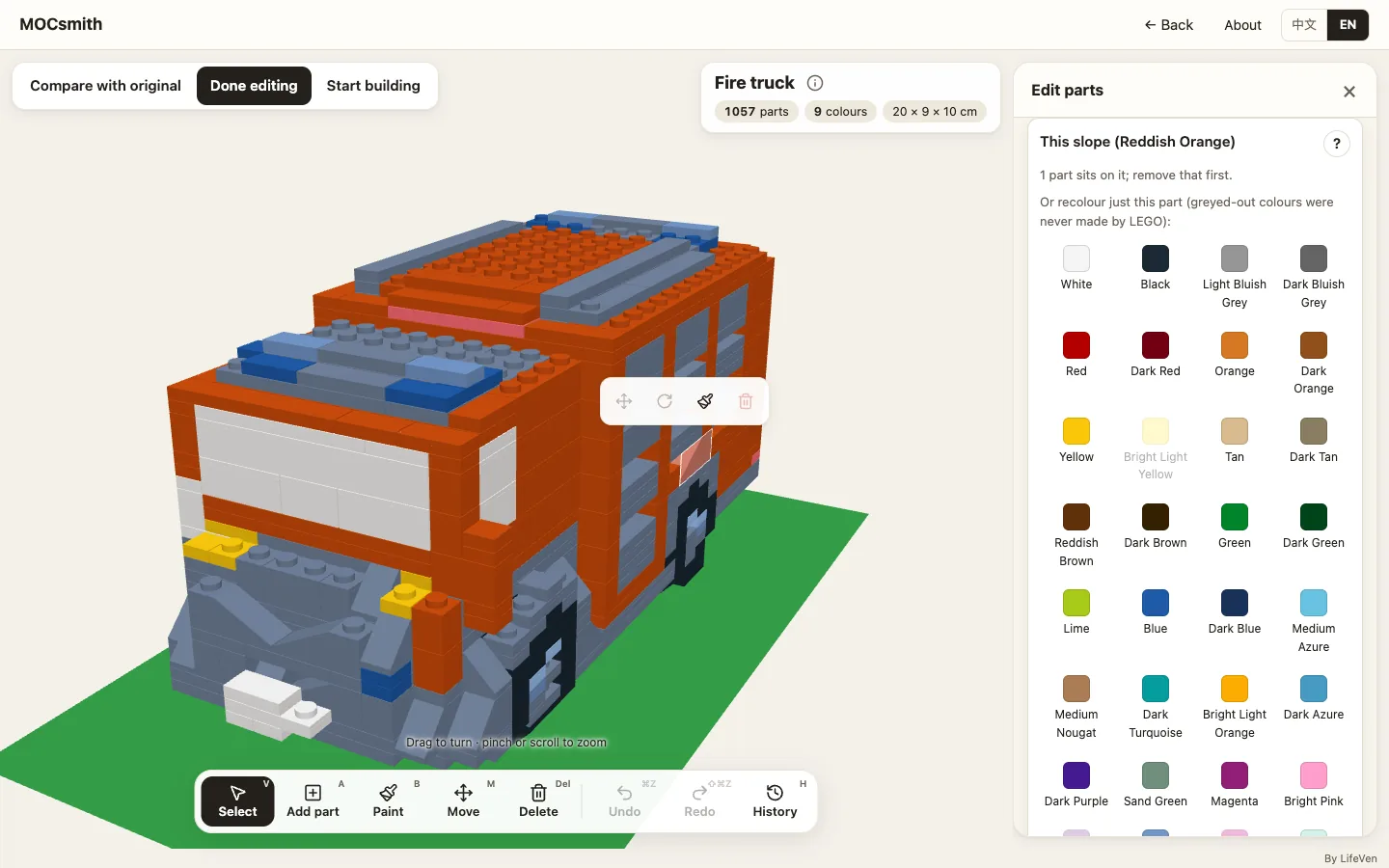
A slope selected on the brick fire truck, with its color choices open
Recoloring one part of the fire truck sample.
  1. Start with a GLB model, an LDraw file or a bundled sample. Adjust its size and colors, check connections, then select, recolor, add or move single pieces. Undo and redo let you try a change and go back.

    • Compare the source with its brick version
    • Choose part types and fit an available inventory
    • Export the result as LDraw or a CSV parts list

Files stay in your browser, with built-in connection checks to spot detached parts before you build.

Hobby Explorer

Find a hobby you want to try.

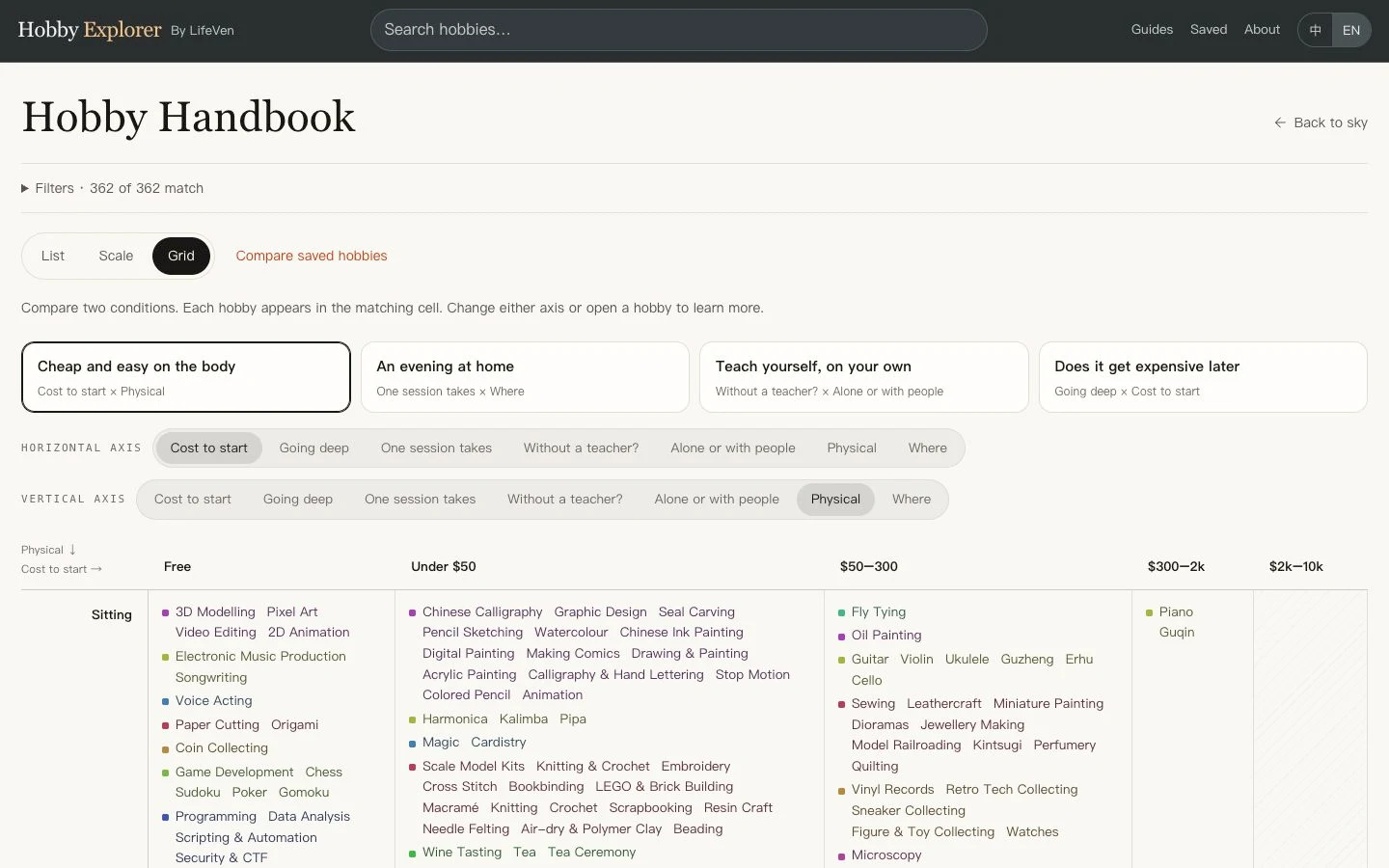
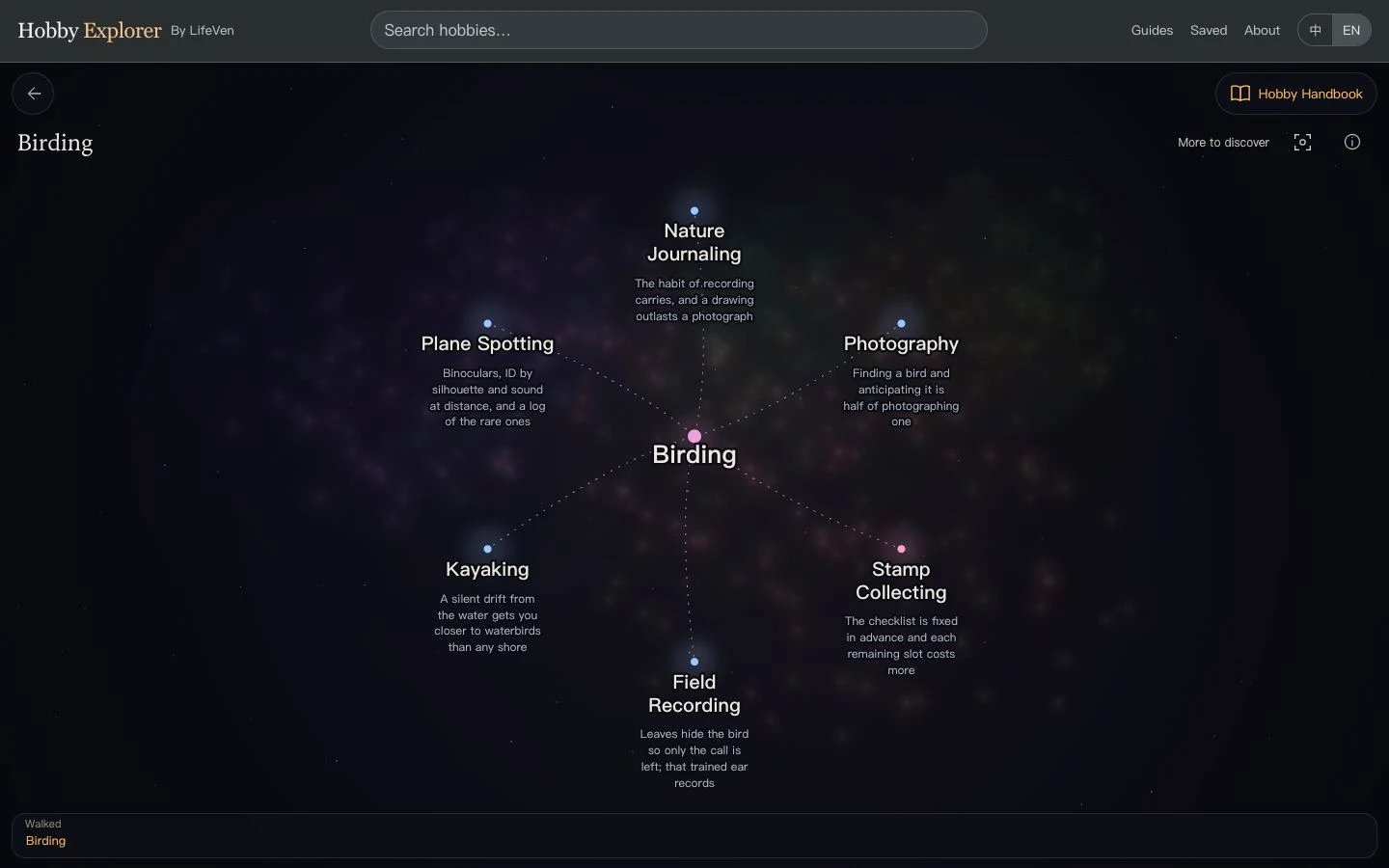
Explore 362 hobbies, compare what it takes to get started and follow connections from the things you already enjoy. Every hobby comes with a practical first step.

Free to use, in English and Chinese.

Open Hobby Explorer
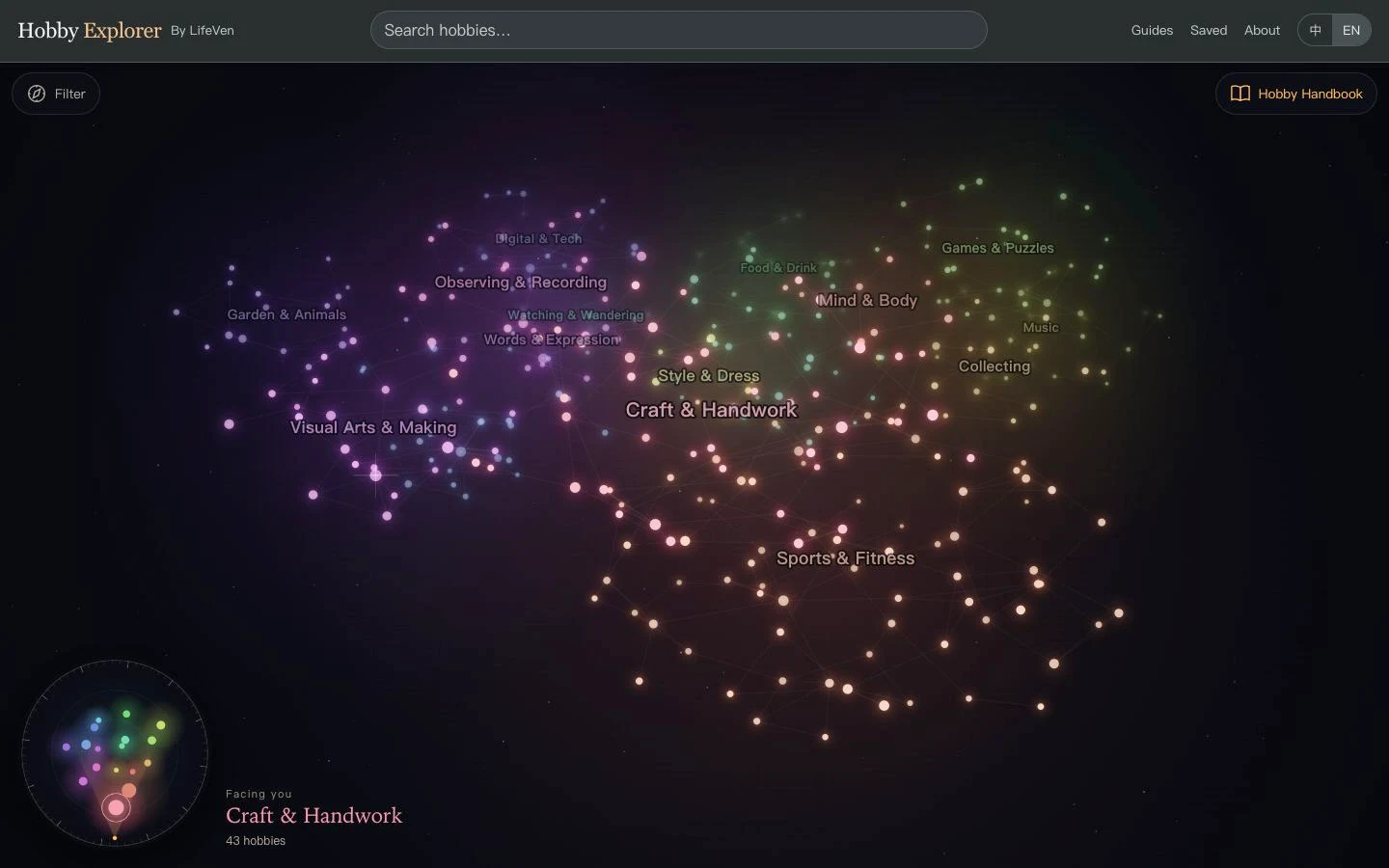
The full Hobby Explorer star map with its filter and handbook controls
The star map in the actual tool.
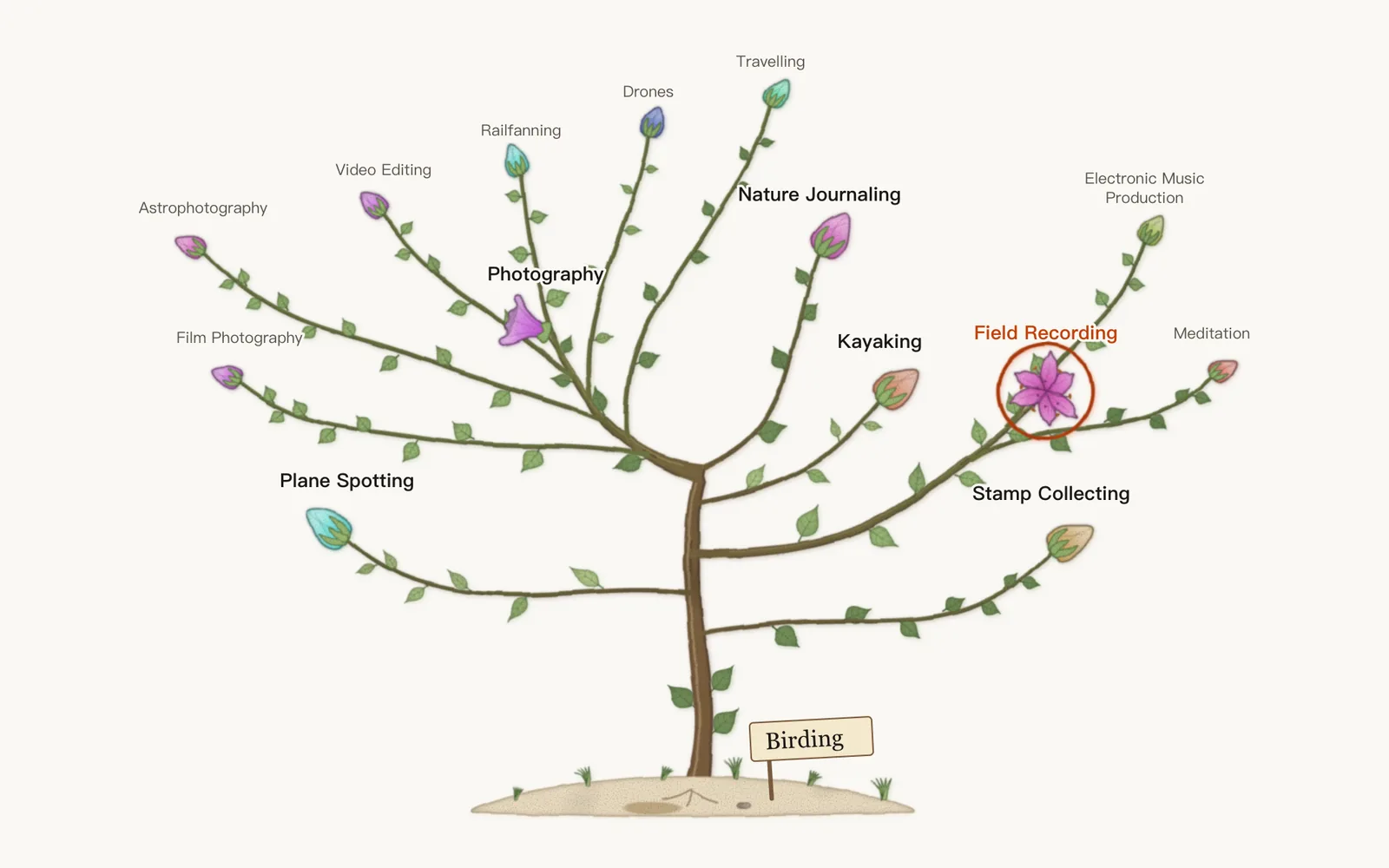
  1. Choose hobbies you already do, add the conditions that matter to you and explore the suggestions. Follow a star to its neighbors, read why they connect and retrace your route.

    • Filter by cost, time, company, effort and more
    • Read the reasons behind each connection
    • Find looser matches under More to discover

Hand-edited connections and starter steps across 362 hobbies, with your saved list kept right in your browser.