
LifeVenContact us
workflow automationcontractor adminsmall business productivityPublished

What Automation Actually Saves a 12-Person Contracting Crew

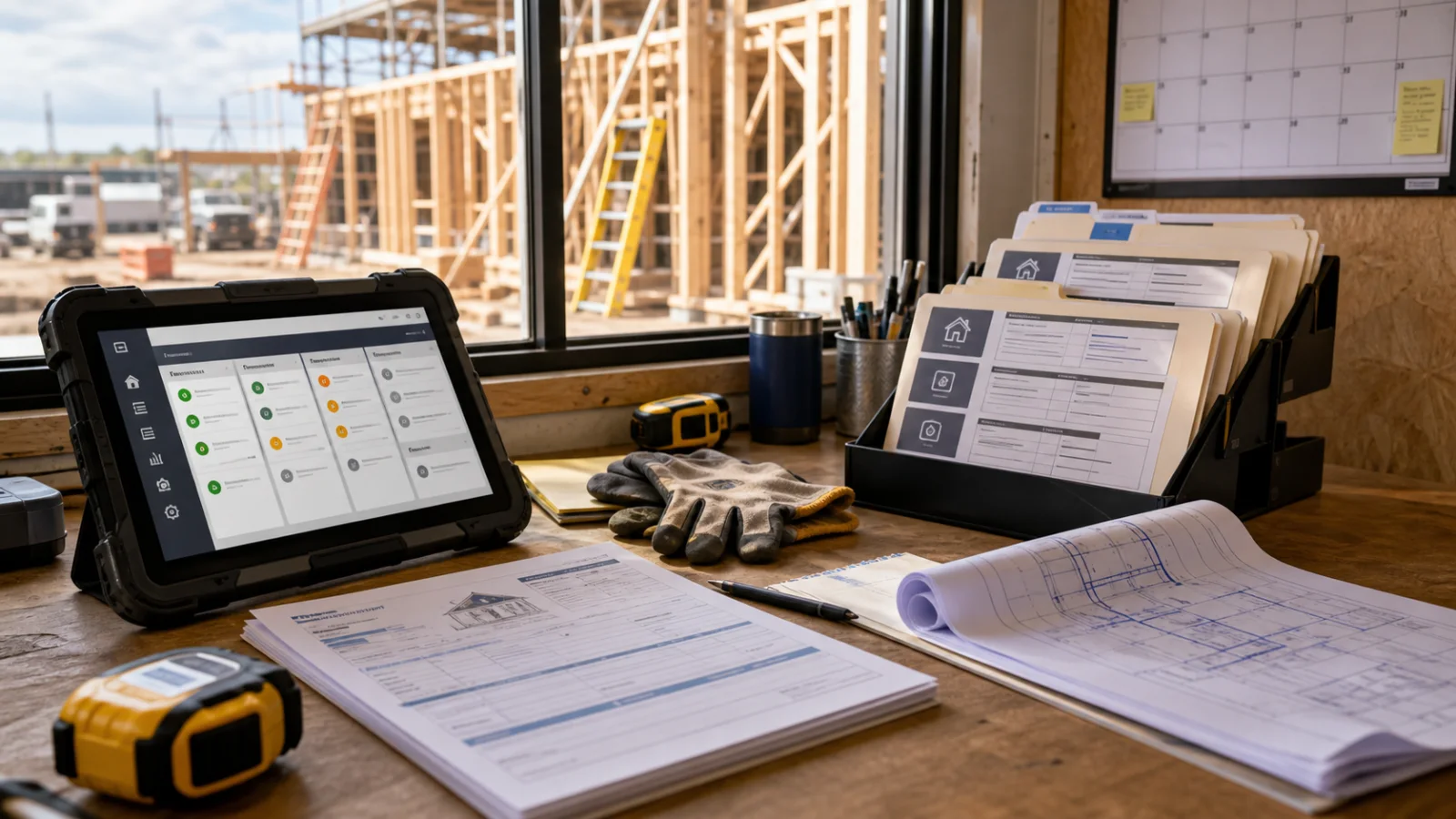
Contracting workflow automation with a jobsite tablet, waiting estimate folders, plans, and field tools

Not the hours you think, and not in the places you would look.

Ask an owner where the week goes and you get invoicing, or quotes, or the books. Those are real, but they are the visible part. The time actually disappears at the handoffs — every point where a piece of information has to move from one person, or one place, to another. Somebody measured it on site; somebody else has to type it in. Somebody promised a start date on the phone; somebody else has to find out.

Research on construction puts roughly 35% of professional time into non-productive activity: manual data entry, correcting errors, chasing documentation, and redoing work because the information that arrived was wrong. Surveys of small and mid-sized contractors put 5 to 14 hours a week into manual admin around quoting and invoicing alone, with field foremen losing 5 to 8 hours a week to paperwork. Broader small-business research lands in the same territory — around 11 hours a week, about six working days a month, on admin and finance, with one survey putting 36% of the working week into administrative tasks.

Those numbers are worth knowing. They are also not the argument.

A week in a twelve-person crew

Owner, one person in the office, ten in the field. The shape will be familiar.

Monday. Four enquiries came in over the weekend — two through the website form, one voicemail, one text to the owner's mobile because a past customer had his number. The two form submissions are in an email inbox. The voicemail is on the office phone. The text is on a phone that is currently on a roof.

Tuesday. Three of the four get a site visit booked. Measurements are written on a pad. That evening the owner sits at the kitchen table and turns the pad into numbers.

Wednesday. Two quotes go out. The third needs a material price nobody has confirmed yet, so it waits.

Thursday. A customer rings about a quote sent nine days ago. Nobody followed up — not through carelessness, but because the follow-up existed only as an intention in one person's head. The office person searches her sent folder to find out what was actually quoted.

Friday. A job finishes. It will be invoiced when someone gets to it. Someone gets to it eleven days later.

Add it up and the office person spends most of Monday and a good part of every other day moving information from where it arrived to where it needs to be. The owner spends four evenings a week doing work that did not fit in the day.

Now here is the part that matters.

You are not paying for the hour it takes. You are paying for the three days it waits.

Every calculation of automation ROI you will read multiplies hours saved by an hourly rate. That number is real and it is the small one.

Look at Wednesday again. The third quote waits on a material price. It goes out the following Tuesday — six days after the customer asked. In those six days the customer has spoken to two other contractors, and at least one of them answered faster.

The labour cost of that delay is about twenty minutes of someone's time. The actual cost is the job.

That is the reframe worth taking away, and it changes what you automate first. The tedious tasks and the expensive tasks are not the same tasks. Bookkeeping is tedious and cheap — it annoys you, and being three weeks behind costs you almost nothing beyond your own evenings. Quote turnaround is barely tedious at all and enormously expensive, because every day it slips, someone else is answering.

Rank by what the delay costs a customer, not by what irritates you most.

What is genuinely worth doing first

In roughly this order, for a business of this shape.

1. One place where enquiries land. Website form, voicemail, the text to the owner's mobile, the email that went to an address nobody checks — all arriving in one list, each with a name attached and a status. This is unglamorous and it is almost always the highest-return change, because you cannot fix a response time you cannot see. Most businesses at this size do not know how many enquiries they got last month. They know how many they remember.

2. The follow-up that happens without anyone remembering. A quote sent is a quote that needs a nudge in four days. Right now that nudge lives in someone's memory, competing with everything else in there. Moved out of a head and into a system, it happens every time — including the weeks when everything is on fire, which are exactly the weeks it currently does not.

3. Measurements that only get written once. From the pad, to the quote, to the job sheet, to the invoice: one number, typed four times, with four chances to be wrong. This is where the "redoing work because the information was wrong" time hides. It is not one big saving; it is a small saving repeated forty times a week, plus the occasional expensive mistake it prevents.

4. Invoicing triggered by the job finishing, rather than by someone noticing. Eleven days of delay on every invoice is eleven days of your money sitting in someone else's account, permanently, because the delay repeats. It never gets caught up — it just moves along with you.

Notice what is not on this list: nothing here replaces a person's judgement, and nothing here requires anyone to work differently on site. The changes sit in the gaps between people, which is where the losses were.

What should stay exactly as it is

Pricing a non-standard job. If the price depends on looking at the thing, that is judgement, and it is what you are actually selling.

The conversation where a customer is unhappy. Automating any part of that makes it worse, and everybody can tell.

Anything you do four times a year. You would forget how it worked, and so would whoever built it.

The final send on anything involving money or a promise. The reliable pattern is: automate everything up to the decision, have a person make the decision, automate everything after it. What that buys is a workflow that fails safely — the worst case is something waiting for you, not something wrong going out.

A process with fifteen exceptions is not ready to be automated either. It is a decision that has not been made yet, and automating it just makes the inconsistency faster.

Once you know what to automate, which platform to run it on is the next question — and the answer depends on the shape of the workflow more than on the monthly price.

Working out your own number

Two measurements, a fortnight each. Both cheap.

One: how many hours a week go into repeat paperwork — the same task, in the same shape, more than once a week. That is your labour number. It is usually somewhere between five and fifteen hours, and it is usually concentrated on one or two people who cannot be spared.

Two: for every enquiry, the gap between asked for a price and received a price. Note the ones that went quiet, and how long they waited first.

The second measurement is the one that will change your mind. Almost nobody in a business this size knows their real quote turnaround, and almost everybody guesses lower than it is — because the fast ones are memorable and the six-day ones are the ones you were too busy to notice.

If those two numbers are small, you do not need any of this, and that is a genuinely good outcome for a fortnight's attention.


Our Automation Audit is $499 and maps one process end to end: where the hours actually go, what the delay is costing in work you are not winning, which parts are safe to automate and which need a person, and a fixed quote to build it. It comes off the cost of the build if you go ahead — and if the finding is that your process needs deciding before it needs automating, we will tell you that instead.

Whatever gets built runs on accounts in your business's name, not ours. Automations hold keys to your CRM, your email and your invoicing — that access should never be something you have to ask someone else for.

Sources

  • Rhumbix — Why your best field foremen are spending 6 hours a week on paperwork. Source of the 5–8 hours a week figure for field foremen.
  • Forbes / Time etc — New survey reveals productivity blind spot for entrepreneurs. Source of the finding that entrepreneurs spend around 36% of the working week on administrative tasks.
  • Sage — The hidden admin burden on small businesses. Background on the scale of small-business admin time.
  • The ~11 hours a week on admin and finance figure is from the 2026 SME Business Barometer survey of 1,000 UK small business owners, as reported in the small-business press. UK sample — directionally useful elsewhere, not a US measurement.
  • The 35%-of-time-on-non-productive-activity figure for construction is drawn from industry productivity reporting rather than a single peer-reviewed study.
  • The week described in this article is a composite illustration of a common business shape, not a client. We have not put a real customer's operations on this page.

Checked 2026-07-31.

Common questions

How much time do small contractors lose to admin?
Survey work puts small and mid-sized contractors at roughly 5 to 14 hours a week on manual admin around quoting and invoicing alone, and field foremen at 5 to 8 hours a week on paperwork. Broader research on construction found about 35% of professional time going to non-productive activity — manual data entry, correcting errors, chasing documentation, and redoing work because the information was wrong.
What should a small business automate first?
Whatever is currently making customers wait. Quote turnaround almost always beats bookkeeping, because a slow quote loses jobs and slow bookkeeping only annoys you. Rank candidates by what the delay costs, not by which task you find most tedious — those are rarely the same thing.
Is automation worth it for a business with only 12 people?
Often more than for a large one, because in a small business the admin sits on the owner or one office person, and that is the same person the business depends on for everything else. The question is not headcount, it is whether the work is frequent and consistent enough to be worth describing once.
What shouldn't be automated?
Anything requiring judgement that changes case by case, anything rare enough that you would forget how it works, and the final decision on anything involving money or a promise to a customer. The useful pattern is to automate everything up to the decision, then have a person make the decision, then automate everything after it.
How do I work out what admin is costing my business?
Track two numbers for a fortnight: how many hours go into repeat paperwork, and how long a customer waits between asking for a price and receiving one. The first tells you the labour cost. The second is usually the larger number, because it is measured in jobs you did not win rather than hours you did not bill.

Know which task is costing you the most?

The Automation Audit maps where the hours actually go, what is safe to automate, and what it would take. Its cost comes off the build if you go ahead.

Explore Workflow AutomationMore Articles