
A tenant calls about a maintenance request filed ten days ago. Is it done?
The honest answer takes three steps: check the spreadsheet, which says "in progress" because nobody updated it after the contractor left; text the contractor, who says he finished it Tuesday; call him again because he doesn't answer texts during a job. Fifteen minutes later there's an answer, and the tenant has been on hold for most of it.
Every number in that spreadsheet was typed correctly. The problem is that the file describes what was true when someone last had time to open it — not what's true right now — and the gap between those two things is where a growing business loses money and trust.
Multiply that by however many times a week someone needs a straight answer, and you have the real cost of running an operation out of a file.
Five tests
Row count is not on this list. None of these get worse with volume — they get worse with headcount, because more people means more moments where the file is out of date for someone who needs it now.
1. Nobody can answer "is this done" without asking around
If getting a straight answer about the current state of one job, one unit, one order, or one candidate means checking a file and texting someone and maybe calling them, the file has stopped being the source of truth. It's a diary of what was true last time someone updated it.
This is the test that matters most, and it's the one people notice last — because everyone quietly builds a workaround (a group chat, a whiteboard, "just ask Dana") long before anyone calls it a problem.
2. More than one person needs to see the current state at once
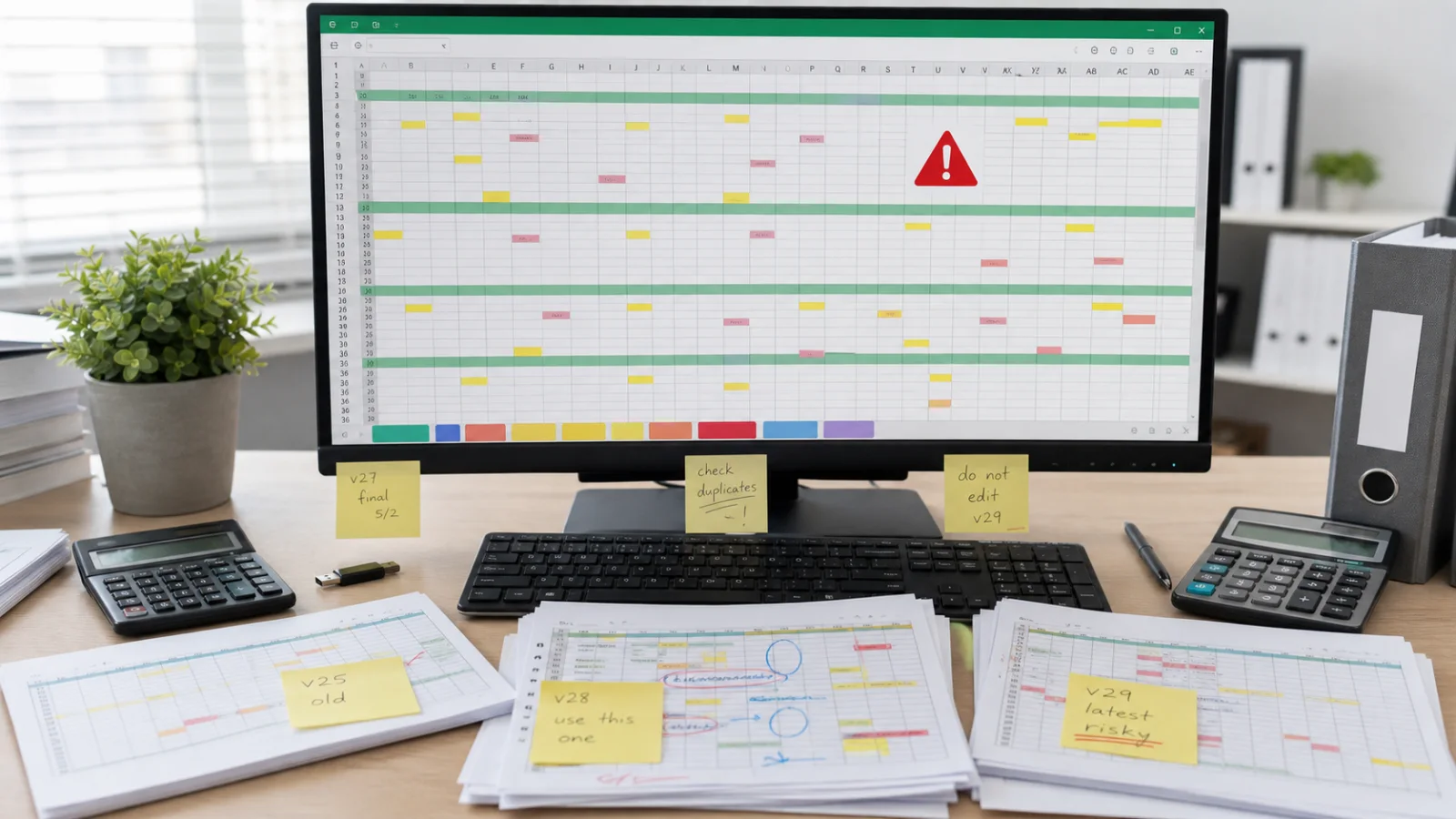
The moment two people work from the same file, you get copies — and the moment you have copies, there's no longer one current state, there are several, each looking equally official. book_v7_FINAL_use_this.xlsx is a joke because everyone has lived it.
Shared cloud editing genuinely fixes the version problem, and it's the cheapest fix available. It does not fix test 1 — everyone can now edit the same stale file at once.
3. One person holds it all in their head
Someone built it. Over a few years they added columns, a lookup, a macro, a rule about how the third tab feeds the first. Every one of those decisions encodes something true about how the business actually runs, and none of it is written down anywhere but in the cells.
That person doesn't have to leave the company for this to bite. They only have to be on holiday during the week something breaks.
The test: if that person were unreachable for two weeks and the file were unreachable with them, what would happen? If the honest answer involves reconstructing it from memory and email, the business already has a single point of failure — independent of how well the file currently works.
4. Anyone who can open it can change anything in it
There's no partial permission in a spreadsheet. Hiding and locking are conventions, not controls — anyone determined, or just careless, gets past them.
This turns urgent the first time somebody needs some access: a subcontractor who should see only their own jobs, a part-timer who should log hours but not touch rates. There's no honest way to grant that in a spreadsheet, so people either hand over everything or maintain a shadow file by hand — which quietly reintroduces test 2.
5. Nothing stops a wrong value going in
Type a date in the quantity column and the spreadsheet accepts it. Paste 200 rows and knock a formula range out of alignment, and the totals below keep calculating — on the wrong rows, without complaint.
A study of 88 operational spreadsheets — real ones, in daily use in businesses — found 94% contained at least one error, with an average cell error rate around 5%. The instinctive response is that yours is better than that. It might be; so did everyone in the sample.
What makes that number bite is not the rate but the silence. A 4% error rate in software produces failed validations and error logs. A 4% error rate in a spreadsheet produces a bold number at the bottom of a column that looks exactly as correct as a right one, and gets used to make a decision.
What actually changes when it becomes real software
Not the interface. People expect the win to be that it looks nicer. It doesn't, much.
- Anyone with access sees the current state, not last week's — because there's one record instead of a file passed hand to hand.
- Bad input gets refused at the door, instead of being averaged into a total three weeks later.
- Every change keeps its history — who, when, and what it was before. Most disputes stop being arguments and become lookups.
- Roles mean something. People see and edit what their job requires and nothing else, so you can hire without also deciding how much you trust someone with everything.
- It runs on a phone as well as a desk, which matters most for exactly the people whose updates were going missing — the ones not sitting at the computer with the file open.
Every item on that list is really about one thing: closing the gap between what's written down and what's true. That's what you're buying. The data entry looks much the same.
What "custom" actually buys here, and what it doesn't
Worth being precise about this, because "custom software" gets sold two very different ways.
One version is a template with your logo on it — a generic CRM or ticketing shell, reskinned and called bespoke. The other is something actually fitted to your process: your job stages, your roles, your specific handoffs, not the ones a generic tool assumed. A $3,000 templated app and a tool built around how your business actually runs are not competing on the same axis, and they age very differently — the templated one starts fighting you the moment your process is slightly unusual, which for most real businesses is almost immediately.
That said, custom is not always the right call, and a good discovery process will tell you when it isn't. Off-the-shelf software is the right answer when your process looks like everyone else's in your category — there is no shame in that, and it's usually cheaper. Custom earns its cost when you're bending an off-the-shelf tool to fit you rather than the reverse, or when a per-seat SaaS price is about to get expensive as you hire.
When to leave it exactly where it is
Most spreadsheets are fine and should be left alone. Replacing a working one is a way to spend money and lose flexibility at the same time.
Leave it if: one person uses it, mistakes are visible and cheap, the structure has been stable for a year, and nobody outside that one person needs the current state urgently. A quoting calculator that one estimator uses and sanity-checks by eye is not a risk — it's a good tool.
Try the cheap fix first, too. Shared cloud editing solves the version problem and gives you a rough history for the price of an afternoon. If that removes the pain, the pain was version control, not visibility, and you've just saved yourself a project.
What it won't solve is test 1 — nobody can answer "is this done" without asking — because that's not a file format problem, it's a live-state problem, and a shared spreadsheet is still just a file everyone reads slightly late.
There's also a middle path worth ruling out first: sometimes the spreadsheet is fine and the pain is really the manual work happening around it — the retyping, the chasing, the reminder nobody sent. That's a much smaller project than replacing the system entirely.
The mistake that makes these projects expensive
Most people assume moving off a spreadsheet means moving the spreadsheet — five years of rows, lifted into a new structure.
That assumption is what turns a predictable project into an unpredictable one. Years in a spreadsheet accumulate inconsistencies a human reader glides past and software can't: the same customer spelled four ways, dates in three formats, a status column with eleven values that were meant to be five, a blank cell that means zero in one column and unknown in another. Untangling that is archaeology, and archaeology cannot be quoted accurately because nobody knows what is buried until they dig.
The better move, most of the time, is to stop moving history at all.
Pick a date. From that date, work is recorded in the new system. The old file becomes read-only — an archive you can still open, search, and refer back to, exactly as reliable as it ever was. If someone needs a job from two years ago, they look it up where it has always been.
What you migrate is only what has to be live: the customers you're currently working with, the jobs actually open, the units currently occupied. That's usually a few hundred rows rather than tens of thousands, and it can be cleaned by hand in an afternoon by someone who knows the business.
Three things follow from that, and they are the reason it is worth insisting on:
- The estimate holds. The single largest source of overrun in this kind of project is removed rather than managed.
- You see value in weeks, not quarters. The new system is answering "is this done" about live work almost immediately, instead of after a migration nobody outside the project can see the point of.
- Nothing is at risk. The archive is untouched, so the worst case is that you keep using the old file for historical lookups — which you were going to do anyway.
The instinct to bring everything across is understandable and almost always worth resisting. Clean history is not what you were missing. Knowing what is true right now is.
Our Discovery step is $1,500 and produces a written specification — what the tool has to do, what it deliberately won't do, which records genuinely need to come across and which stay in the archive, and a recommendation on whether to build, buy, or automate around what you already have. It's fully credited against a build, and the document is usable by any implementation team, including one that isn't us. Sometimes the recommendation is to keep the spreadsheet and fix one thing next to it.
If what you actually need is to capture work properly as it happens — inspections, site visits, jobs completed in places with no signal — that is a related but different build, covered in digitizing inspection records.
Sources
- Powell, Baker and Lawson (Tuck School of Business, Dartmouth) — Errors in Operational Spreadsheets. Field audits of spreadsheets actually in business use.
- Panko — What We Don't Know About Spreadsheet Errors Today and Spreadsheet development error experiments. Source of the cell-error-rate figures and the summary of historical audits finding errors in 80–95% of models.
- The European Spreadsheet Risks Interest Group (EuSpRIG) maintains the wider body of research on this, including the studies the figures above are drawn from.
A note on the numbers: reported cell error rates vary between roughly 1% and 5% depending on how an error is defined and whether spreadsheets are examined during development or in operation. The article uses the ~4–5% figure from operational audits. The finding that has stayed consistent across decades of this research is not the precise rate but that the large majority of real, working spreadsheets contain at least one error.
Checked 2026-07-31.
